
15 Best AI Tools For Small Businesses in 2026
If you feel like you are doing everything in your business but still not growing fast, you are not alone. Most small business owners are stuck in daily tasks. Writing content. Replying to customers. Managing accounts. Running ads. It never ends. The real solution is not working longer hours. It is using the best AI tools for small businesses that automate your work and give you back time.
I am telling you this from real experience. I have seen small brands struggle for months because they tried to do everything manually. Then they started using the right AI tools for content writing, customer support, SEO, design, and automation. Within weeks, their workload reduced and their productivity increased. The difference was not talent. The difference was systems.
In 2026, competition is smarter. Businesses using AI tools move faster. They respond quicker. They market better. If you are still doing repetitive tasks yourself, you are slowing your own growth. In this guide, I will walk you through practical AI tools that actually help small businesses save money, reduce stress, and grow without hiring a big team.
List of 15 Best AI Tools for Small Businesses in 2026
- ChatGPT. Content writing, customer support, idea generation
- Jasper AI. Marketing copywriting for beginners and agencies. Affiliate program available
- Copy.ai. Social media captions and product descriptions
- Surfer SEO. SEO optimization and ranking improvement. Affiliate program available
- Canva AI. Logo design, social media graphics, brand kits
- Pictory AI. Convert blogs into marketing videos. Affiliate program available
- Notion AI. Task management and workflow automation
- HubSpot AI. CRM, email marketing, and sales automation
- Tidio AI. AI chatbot for website customer support. Affiliate program available
- Grammarly AI. Professional emails and document editing. Affiliate program available
- Shopify Magic. AI tools for ecommerce store owners
- QuickBooks AI. Accounting and expense management
- Descript. AI video editing and podcast editing. Affiliate program available
- Zapier AI. Connect apps and automate business tasks
- Writesonic. AI content writing, SEO articles, chatbot builder. Affiliate program available.
Detailed Overview Of Best AI Tool For Small Businesses
1. ChatGPT
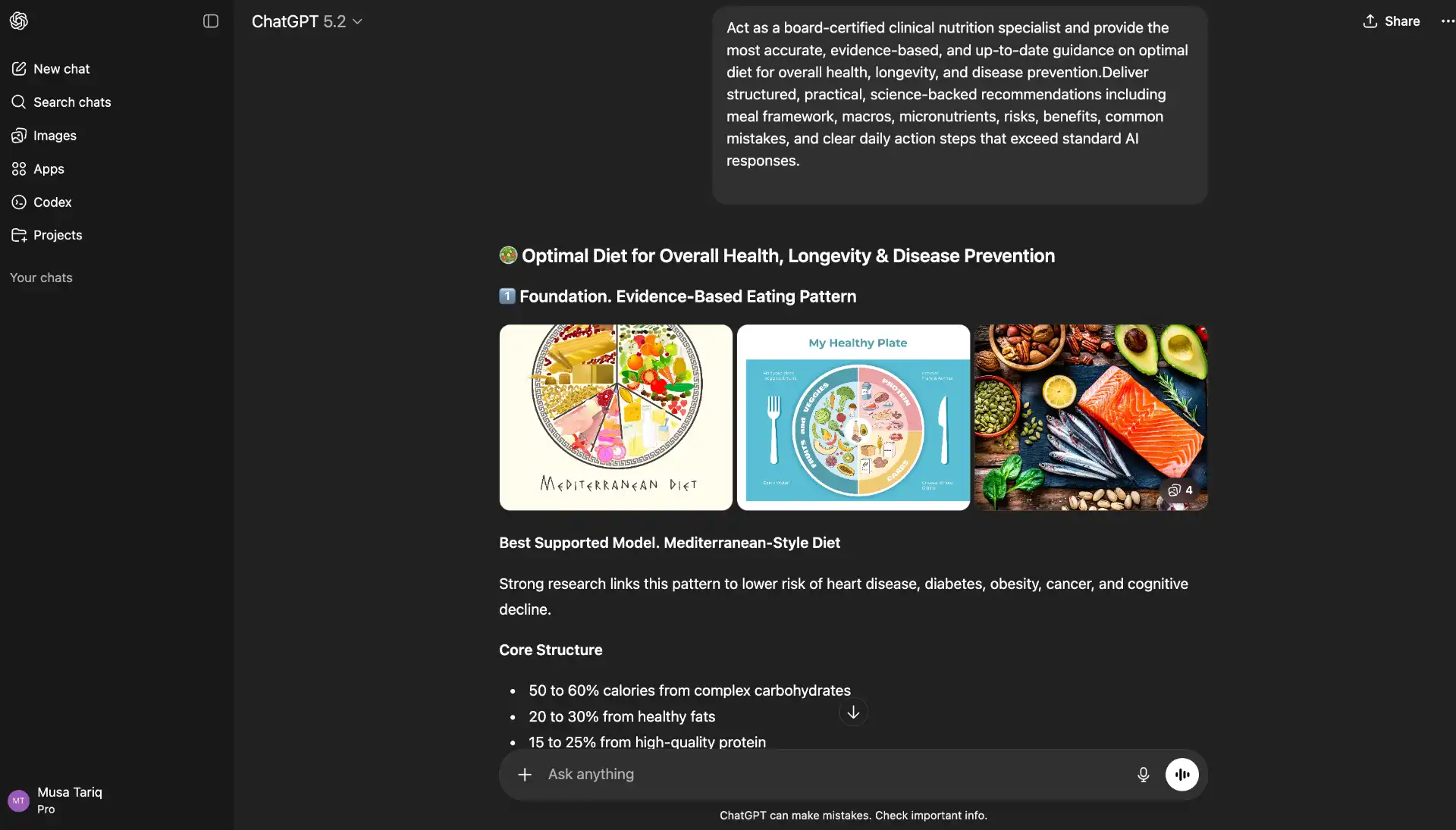
ChatGPT is an AI assistant that helps you write, think, plan, and solve problems. If you are new to online business, this tool feels like a smart helper sitting next to you. You can ask it to write blog posts, emails, product descriptions, ad copy, social media captions, or even reply to customers. I have seen small business owners use it daily to save 2 to 4 hours of work. Instead of hiring a full-time writer, they use ChatGPT to create first drafts and then edit them in their own tone.
It is also useful for research. You can ask it to explain marketing terms in simple words. You can create content ideas, sales scripts, and customer FAQs. For beginners, it reduces confusion. For experienced users, it increases speed. The key is giving clear instructions. The better your prompt, the better the result.
Use for:
Content writing, customer support replies, brainstorming, email drafting
Best for:
Small business owners, freelancers, and beginners in content marketing
Price:
Free version available. Paid plan starts around $20 per month
Pros:
- Easy to use
- Saves time
- Works for many tasks
- Affordable
Cons:
- Needs human editing
- Sometimes gives generic answers
2. Jasper AI
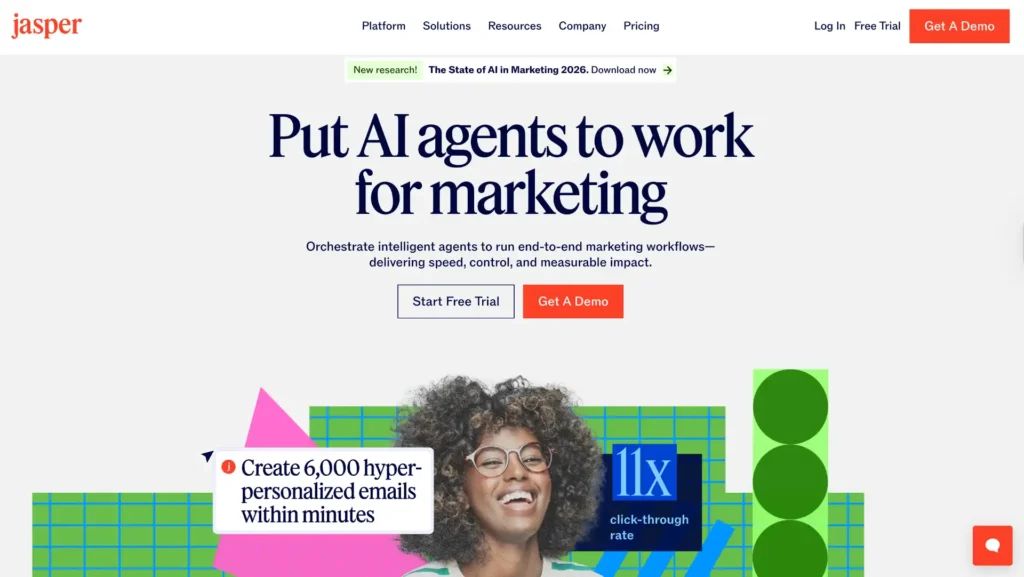
Jasper AI is a content writing tool made especially for marketing. It is more focused than ChatGPT when it comes to sales copy and brand voice. If you run a small business and struggle with writing ads, landing pages, or email campaigns, Jasper can guide you step by step. I have tested it for marketing projects, and it works well for structured copy like Facebook ads, Google ads, and product pages.
It comes with templates. This helps beginners who do not know how to structure sales content. You just fill in details about your product, and Jasper creates persuasive copy. It also supports brand tone settings. This means your content can stay consistent. Many agencies use it because it saves writing time and improves conversion focused messaging.
It is not just a blog writer. It is more of a marketing assistant. If your goal is to increase sales and improve ad performance, Jasper can help simplify that process.
Use for:
Sales copy, ads, email marketing, landing pages
Best for:
Small businesses focused on marketing and paid ads
Price:
Starts around $39 per month
Pros:
- Strong marketing templates
- Good for ad copy
- Brand voice feature
- Beginner friendly structure
Cons:
- More expensive than basic AI tools
- Not ideal for deep research writing
3. Surfer SEO
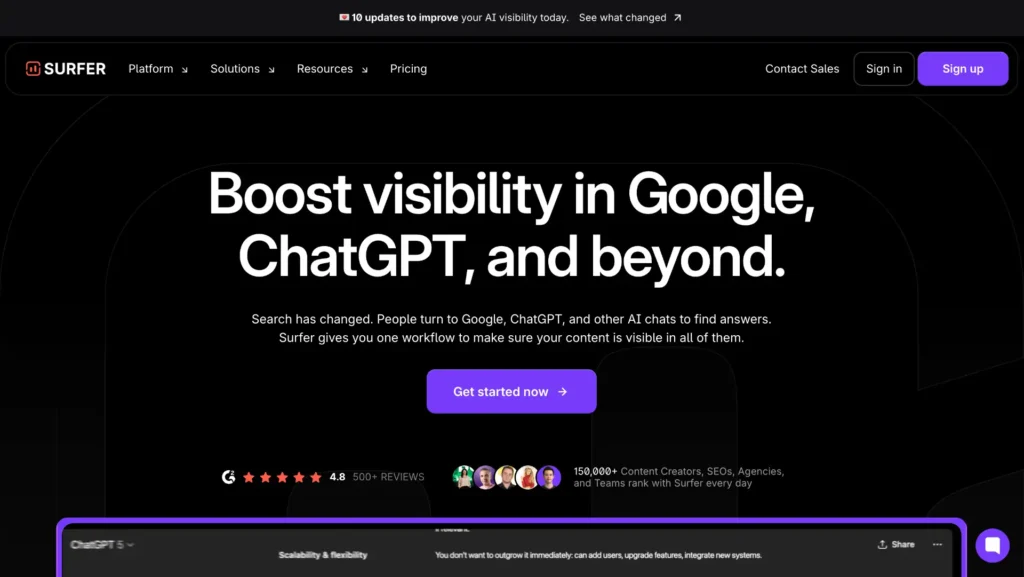
Surfer SEO is an AI tool that helps your website rank higher on Google. Many small business owners write blog posts, but they do not rank. The main reason is poor SEO structure. Surfer solves this problem. It analyzes top ranking pages and tells you what keywords, headings, and word count you should use.
From my experience working with SEO content, tools like Surfer remove guesswork. You get a content score. It guides you on how to improve your article step by step. Even beginners can follow its suggestions. You do not need to be an SEO expert. It clearly shows missing keywords, heading structure, and optimization tips.
It also integrates with content writing tools. That makes the process faster. Instead of writing blindly, you create content that has better ranking potential from day one. For small businesses that depend on organic traffic, this tool can make a real difference
Use for:
SEO optimization, keyword placement, and improving Google rankings
Best for:
Bloggers, e-commerce owners, and service businesses want traffic
Price:
Starts around $89 per month
Pros:
- Data driven SEO guidance
- Easy content scoring system
- Helps rank faster
- Clear optimization suggestions
Cons:
- Higher price for small startups
- Needs quality content along with SEO
4. Pictory AI
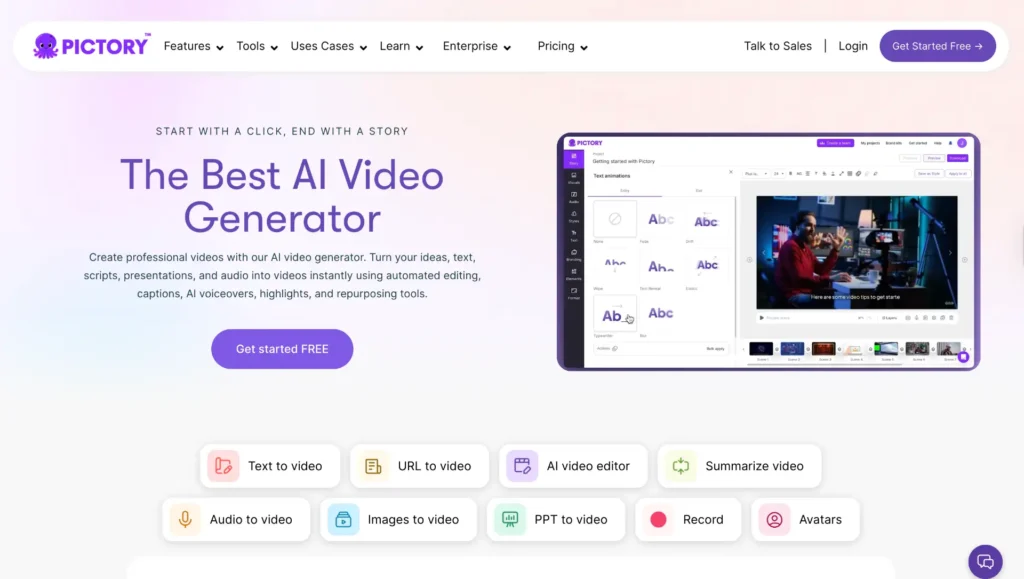
Pictory AI turns written content into videos. If you have blog posts or scripts, it converts them into short marketing videos automatically. Many small business owners want to post videos on social media but do not know editing. Pictory solves that issue.
I have seen businesses repurpose blog content into YouTube shorts and Instagram videos using this tool. You paste your article. The AI selects key lines. It adds stock footage, captions, and background music. This saves hours of manual editing. You do not need advanced technical skills.
Video marketing is very powerful in 2026. Customers trust video more than text. Pictory helps small brands stay visible without hiring a video editor. It is simple to use and beginner-friendly.
Use for:
Turning blogs into videos, social media marketing videos
Best for:
Small brands using content marketing and social media
Price:
Starts around $19 per month
Pros:
- Easy video creation
- No editing skills required
- Saves time
- Good for content repurposing
Cons:
- Limited customization
- Stock visuals may look generic
5. Writesonic
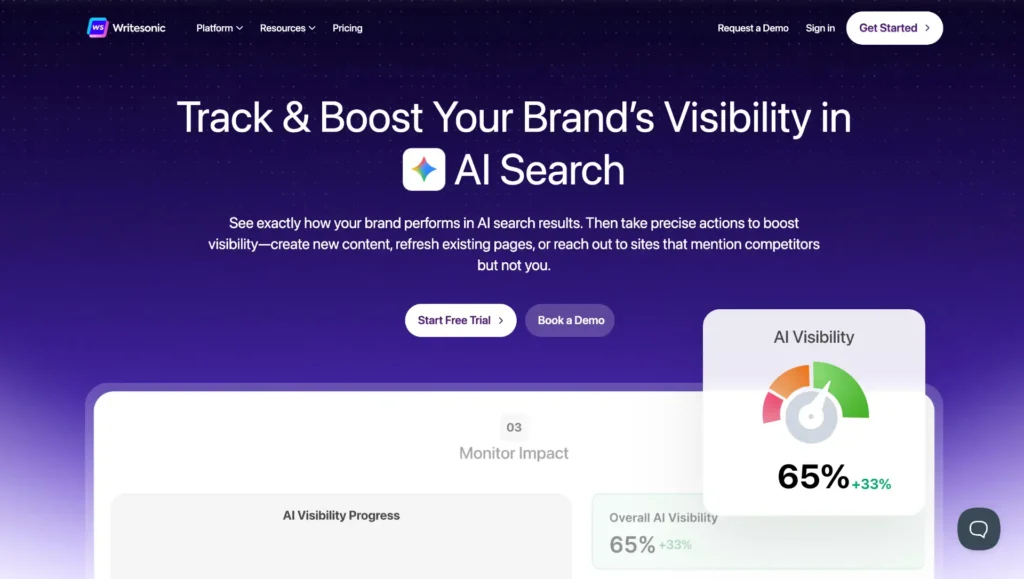
Writesonic is an AI writing and marketing tool. It helps create blog posts, ads, product descriptions, and even AI chatbots for websites. For small businesses that want both content and automation, this tool is very useful. It combines writing and SEO features in one place.
From practical usage, it works well for long form blog posts. It also provides SEO suggestions. Beginners can generate full articles quickly. It also offers AI chatbot features. That means you can add automated support to your website.
The dashboard is simple. You choose the type of content you want. Then you enter basic details. The tool generates structured output. For startups that cannot afford multiple tools, Writesonic can act as an all in one content solution.
Use for:
Blog writing, ad copy, chatbot building, SEO articles
Best for:
Startups and small businesses wanting all in one AI writing tool
Price:
Free trial available. Paid plans start around $16 per month
Pros:
- Affordable pricing
- Multiple content types
- SEO features included
- Beginner friendly
Cons:
- Needs editing for accuracy
- Output quality depends on input details
6. Tidio AI
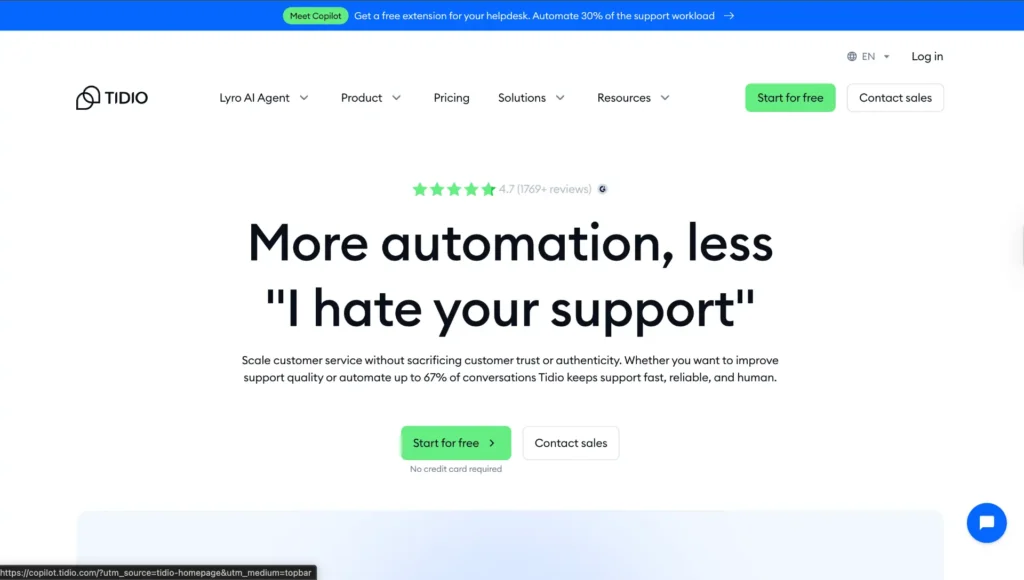
Tidio AI is a customer support chatbot tool. It helps you reply to website visitors automatically. If you run a small business and cannot answer messages all day, this tool works like a virtual assistant. When someone visits your website and asks a question, Tidio replies instantly.
From practical experience with ecommerce stores, fast replies increase sales. Many customers leave a site if no one responds. Tidio solves this problem. You can set automated answers for common questions like price, delivery time, refund policy, or service details. It also collects leads and email addresses.
It is beginner friendly. You do not need coding skills. You install it on your website and customize answers. It can also connect with Messenger and Instagram. This helps small businesses manage messages from one dashboard.
Use for:
Website chatbot, customer support automation, lead collection
Best for:
E-commerce stores, service providers, online businesses
Price:
Free plan available. Paid plans start around $29 per month
Pros:
- 24/7 automated replies
- Easy setup
- Improves customer experience
- Increases conversion ratey
Cons:
- Advanced features cost more
- Needs proper setup for best results
7. Grammarly AI
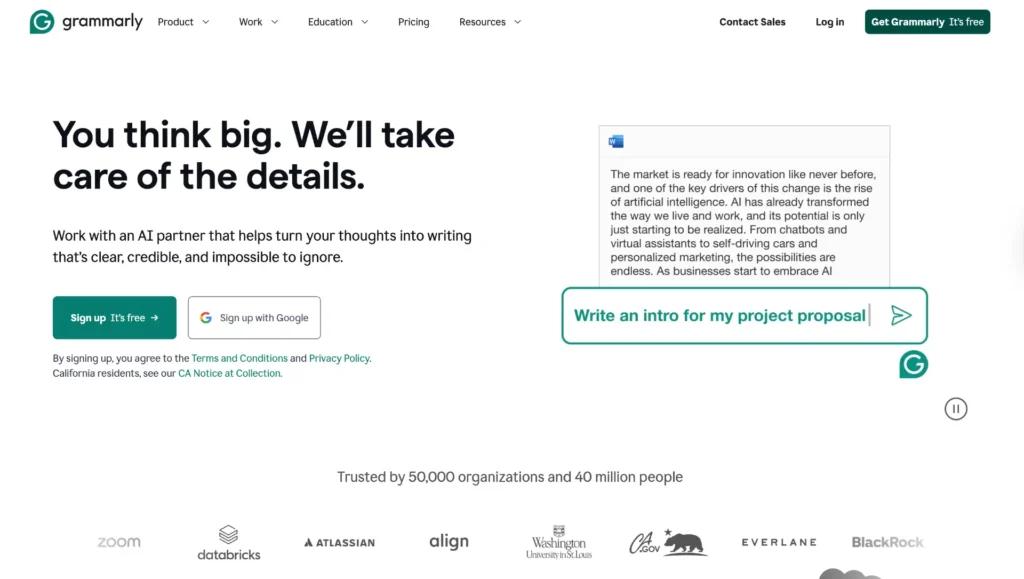
Grammarly AI helps you write clear and professional English. Many small business owners send emails, proposals, and social media posts daily. Small grammar mistakes can look unprofessional. Grammarly fixes spelling, grammar, tone, and clarity instantly.
I have personally used it for business emails and client communication. It improves sentence structure and makes writing simple and confident. Even if your English is average, Grammarly makes it better. It also suggests tone adjustments. For example, it can make your message sound more polite or more formal.
It works inside your browser, email, and documents. You do not need special training. It highlights mistakes and suggests corrections. This builds trust with customers because your communication looks clean and professional.
Use for:
Email writing, proposal editing, grammar correction, tone improvement
Best for:
Small business owners, freelancers, students, and remote teams
Price:
Free version available. Premium starts around $12 per month
Pros:
- Easy to use
- Improves writing instantly
- Works on many platforms
- Saves editing time
Cons:
- Advanced suggestions need paid plan
- Does not replace full content strategy
8. Descript
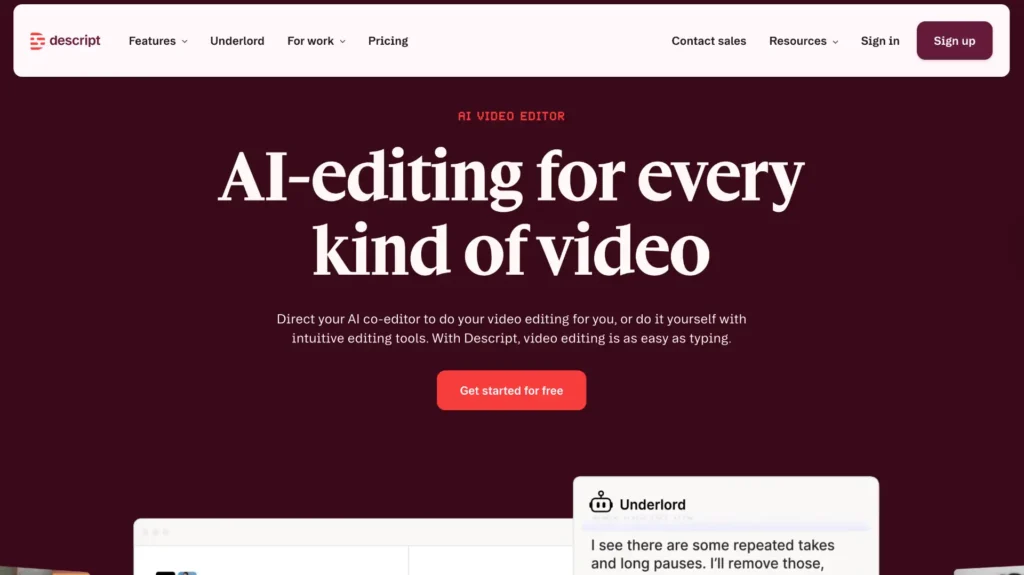
Descript is an AI tool for editing videos and podcasts. It is very useful for small businesses that create YouTube videos, online courses, or podcasts. Instead of editing video manually, you edit text. When you delete a word in the script, it removes that part from the video automatically.
From experience with content creators, this saves many hours. Beginners often struggle with complex editing software. Descript makes it simple. It also removes filler words like “um” and “uh” with one click. You can add captions easily. It even offers voice cloning for corrections.
If video marketing is part of your business strategy, this tool helps maintain quality without hiring a professional editor. It is clean, simple, and designed for creators who want speed.
Use for:
Video editing, podcast editing, caption generation
Best for:
YouTubers, coaches, educators, content based businesses
Price:
Free version available. Paid plans start around $15 per month
Pros:
- Text based editing
- Saves time
- Beginner friendly
- Automatic filler word removal
Cons:
- Advanced features cost more
- Large files may take time to process
9. HubSpot AI
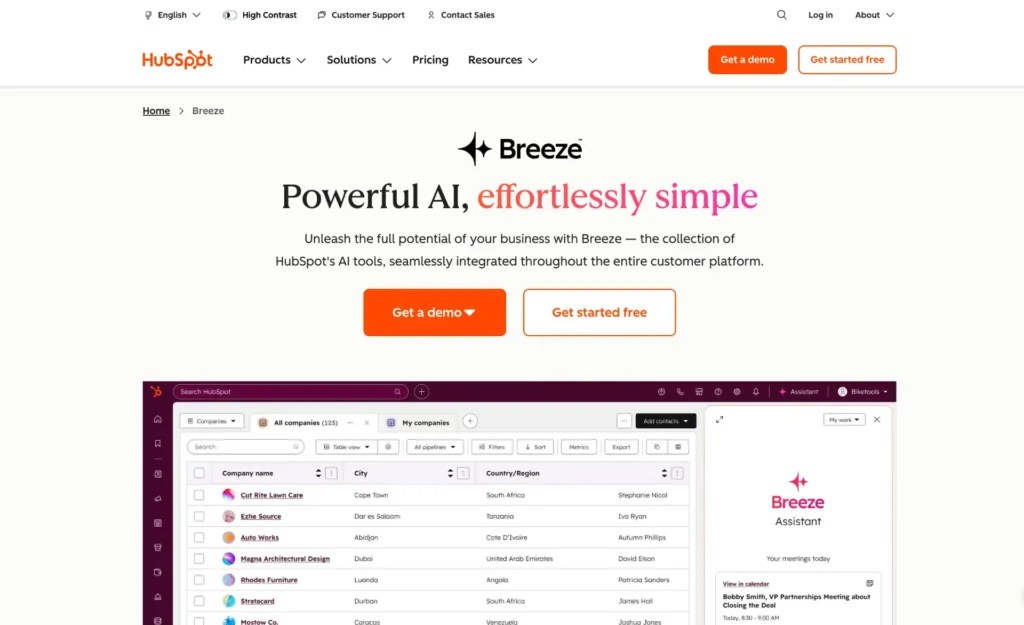
HubSpot AI is part of the HubSpot CRM system. It helps small businesses manage customers, emails, and sales pipelines. If you struggle to track leads or forget to follow up, this tool organizes everything in one place.
From working with service businesses, I have seen how missed follow ups reduce sales. HubSpot tracks contacts, emails, meetings, and deals. Its AI suggests follow up emails and helps write marketing content. It also provides data reports so you can see what is working.
The free CRM version is powerful for beginners. As your business grows, you can upgrade. It reduces manual tracking and improves customer management. This is important for long term growth.
Use for:
CRM management, email marketing, sales tracking
Best for:
Service businesses, agencies, B2B companies
Price:
Free CRM available. Paid plans vary by features
Pros:
- All in one CRM system
- Good reporting tools
- Scalable for growth
- Professional email tools
Cons:
- Advanced tools are expensive
- Setup may take time
10. Canva AI
Canva AI helps you create designs without graphic skills. Small businesses need logos, social media posts, flyers, and presentations. Hiring a designer can be expensive. Canva makes it simple.
I have seen many beginners design professional posts in minutes using Canva templates. You choose a template. Then you change text, colors, and images. Canva AI also suggests layouts and generates images. It is drag and drop. Very easy to learn.
Strong visual branding increases trust. With Canva, even a small startup can look professional. It works online. No advanced software needed. This makes it ideal for beginners.
Use for:
Social media graphics, logos, marketing materials, and presentations
Best for:
Startups, local businesses, online sellers
Price:
Free version available. Pro starts around $12 per month
Pros:
- Very easy to use
- Thousands of templates
- Affordable
- Good for beginners
Cons:
- Advanced brand tools in paid plan
- Designs can look similar if not customized
11. Notion AI
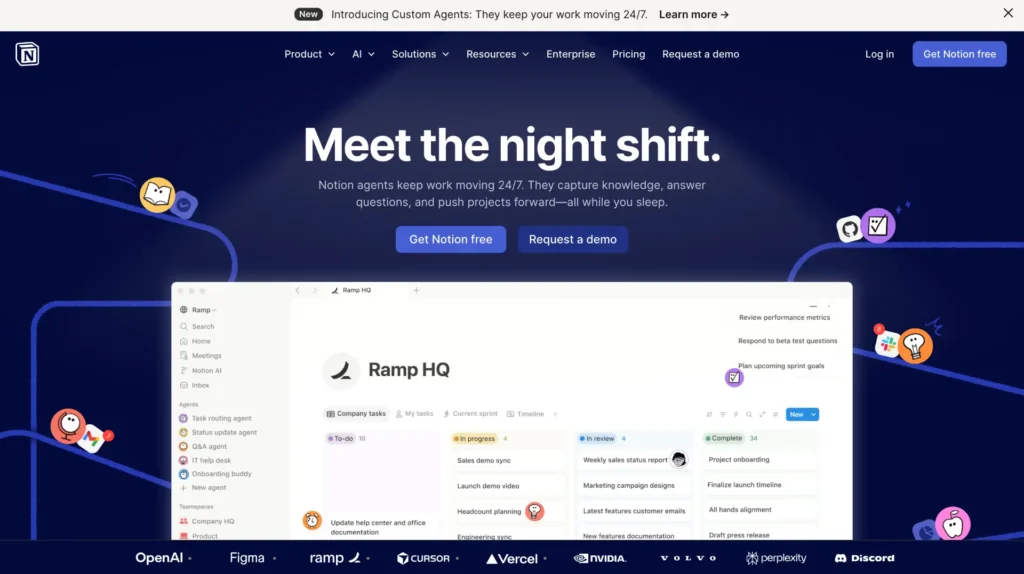
Notion AI is a productivity and organization tool. It helps you manage tasks, notes, projects, and ideas in one place. Many small business owners feel overwhelmed because everything is scattered. Notes are in WhatsApp. Tasks are in email. Ideas are in random notebooks. Notion brings everything together.
From real business use, I have seen teams reduce confusion after switching to Notion. You can create task boards, content calendars, client trackers, and meeting notes. Notion AI also helps write summaries, generate ideas, and clean up messy notes. If you type rough points, it can turn them into structured content.
It is flexible. You can customize pages based on your business needs. It works for solo founders and small teams. Instead of using five different apps, you can manage operations in one system.
Use for:
Task management, project planning, content calendars, and documentation
Best for:
Startups, remote teams, service businesses
Price:
Free version available. Paid plans start around $10 per month
Pros:
- All in one workspace
- AI writing assistance
- Highly customizable
- Good for team collaboration
Cons:
- Can feel confusing at first
- Needs setup time
12. Shopify Magic

Shopify Magic is an AI feature inside Shopify. It helps ecommerce store owners create product descriptions, emails, and automated replies. If you sell products online, writing descriptions for every item can take hours. Shopify Magic speeds up that process.
From ecommerce experience, product pages directly affect sales. Clear and persuasive descriptions increase conversions. This tool generates ready to use content based on your product details. It also helps write email campaigns and customer responses.
The biggest advantage is integration. Since it works inside Shopify, you do not need extra tools. Everything stays connected to your store. For small online sellers, this saves time and reduces effort.
Use for:
Product descriptions, ecommerce emails, store content
Best for:
Online store owners using Shopify
Price:
Included in Shopify plans. Shopify plans start around $39 per month
Pros:
- Built directly into Shopify
- Saves product writing time
- Easy to use
- Helps improve store content
Cons:
- Only for Shopify users
- Limited outside ecommerce use
13. QuickBooks AI
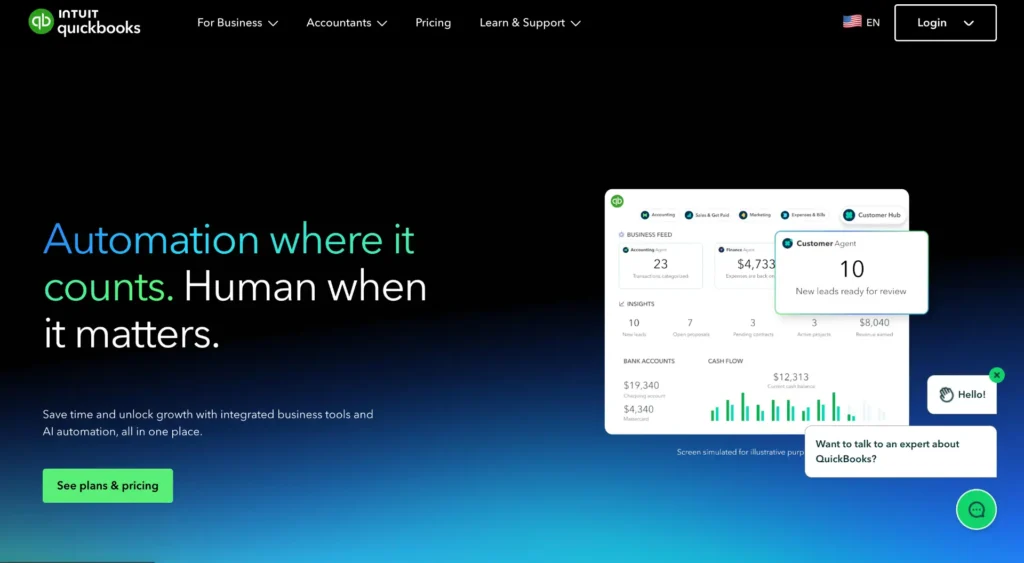
QuickBooks AI helps manage accounting and finances. Many small business owners struggle with tracking expenses, invoices, and profits. Manual accounting can lead to mistakes. QuickBooks automates calculations and financial reports.
From working with small businesses, I know that poor financial tracking causes stress. QuickBooks connects with your bank account. It tracks income and expenses automatically. It also creates invoices and sends payment reminders. The AI feature categorizes transactions to save time.
Clear financial data helps you make better decisions. You can see profit reports and tax summaries easily. For small businesses that want organized accounting without hiring a full time accountant, this tool is very helpful.
Use for:
Accounting, expense tracking, invoicing, and financial reports
Best for: Small businesses, freelancers, ecommerce owners
Price:
Plans start around $30 per month
Pros:
- Automated accounting
- Accurate financial tracking
- Saves bookkeeping time
- Professional invoices
Cons:
- Monthly cost
- Learning curve for beginners
14. Zapier AI
Zapier AI connects different apps and automates tasks between them. Many small businesses use multiple tools like Gmail, Shopify, Google Sheets, and CRM systems. Manually moving data between them wastes time. Zapier solves this.
For example, when someone fills a form on your website, Zapier can automatically add their data to your email list. It can also send notifications, create tasks, or update spreadsheets. I have seen businesses save many hours weekly using simple automations.
You do not need coding skills. You choose triggers and actions. Zapier connects them. This reduces repetitive work and human errors. For small teams, automation increases productivity without hiring extra staff.
Use for:
Workflow automation, app integration, data transfer
Best for:
Businesses using multiple software tools
Price:
Free plan available. Paid plans start around $19 per month
Pros:
- Saves time
- No coding required
- Works with many apps
- Reduces manual errors
Cons:
- Complex automations may take time
- Costs increase with heavy usage
15. Copy.ai
Copy.ai is an AI writing tool focused on marketing content. It helps small businesses create social media posts, product descriptions, and short marketing copy quickly. If you struggle to write catchy captions or promotional messages, this tool can help.
From testing marketing tools, I have found Copy.ai useful for short form content. You enter basic details about your product or service. It generates multiple variations. This helps you choose the best version. It is simple and beginner friendly.
It is not meant for deep research articles. It works best for fast marketing copy. Small businesses that want consistent social media presence can benefit from it.
Use for:
Social media captions, product descriptions, marketing copy
Best for:
Startups, ecommerce sellers, digital marketers
Price:
Free plan available. Paid plans start around $36 per month
Pros:
- Saves time
- No coding required
- Works with many apps
- Reduces manual errors
Cons:
- Complex automations may take time
- Costs increase with heavy usage
AI Tools Comparison Table for Small Businesses in 2026
|
Tool Name |
Best For |
Standout Feature |
Pricing Model with Price |
Ease of Use |
|
ChatGPT |
Content creation, brainstorming, customer replies |
Multi purpose AI assistant for writing and ideas |
Free plan available. Paid plan around $20 per month |
Very Easy |
|
Jasper AI |
Marketing copy, ads, landing pages |
Structured marketing templates and brand voice control |
Starts around $39 per month. Subscription based |
Easy |
|
Surfer SEO |
SEO optimized blog posts and ranking |
Real time content score and keyword guidance |
Starts around $89 per month. Subscription based |
Moderate |
|
Pictory AI |
Turning blogs into videos |
Automatic text to video conversion |
Starts around $19 per month. Subscription based |
Very Easy |
|
Tidio AI |
Website chatbot and customer support |
24/7 automated AI chatbot |
Free plan available. Paid starts around $29 per month |
Easy |
|
Grammarly |
Email writing and grammar correction |
Real time grammar and tone suggestions |
Free plan available. Premium around $12 per month |
Very Easy |
|
Writesonic |
AI blog writing and chatbot building |
Long form SEO article generation |
Free trial available. Paid starts around $16 per month |
Easy |
|
Descript |
Video and podcast editing |
Edit video by editing text |
Free plan available. Paid starts around $15 per month |
Easy |
|
HubSpot |
CRM and email marketing automation |
All in one sales and marketing dashboard |
Free CRM available. Paid plans vary |
Moderate |
|
Canva |
Graphic design and branding |
Drag and drop design with AI suggestions |
Free plan available. Pro around $12 per month |
Very Easy |
|
Shopify |
Ecommerce store management |
Built in AI for product descriptions |
Starts around $39 per month |
Easy |
|
QuickBooks |
Accounting and expense tracking |
Automated bookkeeping and financial reports |
Starts around $30 per month |
Moderate |
|
Zapier |
App automation and workflow integration |
Connects thousands of apps automatically |
Free plan available. Paid starts around $19 per month |
Moderate |
|
Copy.ai |
Social media and short marketing copy |
Multiple content variations instantly |
Free plan available. Paid starts around $36 per month |
Very Easy |
|
Notion AI |
Task management and documentation |
All in one productivity workspace |
Free plan available. Paid starts around $10 per month |
Moderate |
Why Small Businesses Need AI Tools in 2026
In 2026, small businesses are competing with brands that use automation, data, and smart systems every day. Customers expect fast replies, personalized offers, and smooth online experiences. If a business cannot respond quickly or deliver quality service, customers move to competitors. AI tools help small businesses stay competitive without hiring large teams.
Costs are increasing. Hiring full time staff for content writing, customer support, marketing, and bookkeeping is expensive. AI tools reduce these costs by automating repetitive tasks. For example, AI can write first drafts of blog posts, answer common customer questions through chatbots, and organize financial data automatically. This saves hours of manual work every week.
Marketing is also more complex now. SEO rules change. Social media trends move fast. Email campaigns need personalization. AI tools analyze data and provide suggestions so businesses can make smarter decisions. Instead of guessing what works, owners can rely on insights.
Another important factor is speed. In business, speed often means profit. AI helps generate ideas, create designs, schedule posts, and manage workflows quickly. This allows owners to focus on strategy and growth.
Small businesses that adopt AI early gain an advantage. They operate more efficiently, reduce errors, and serve customers better. In simple words, AI is no longer optional. It is becoming a practical tool for survival and growth in a competitive digital market.
How to Choose the Right AI Tool
Choosing the right AI tool can feel confusing because there are many options. The first step is to identify your main problem. Do you need help with content writing, customer support, accounting, or marketing automation? When you are clear about your goal, selection becomes easier.
Second, consider your budget. Some AI tools offer free plans. Others require monthly subscriptions. Start with a tool that fits your current stage of business. You can upgrade later when revenue grows. Avoid paying for advanced features that you do not need.
Third, check ease of use. If a tool is too technical, you may not use it properly. Look for beginner friendly dashboards, tutorials, and support. Many small businesses prefer simple tools that require no coding skills.
Integration is also important. The tool should connect easily with your existing software like email platforms, ecommerce stores, or CRM systems. This saves time and avoids data duplication.
Finally, test before committing. Most AI tools provide free trials. Use them to see if they actually solve your problem. Focus on practical results. Does it save time? Does it improve productivity? Does it increase sales or reduce workload?
The best AI tool is not the most expensive one. It is the one that solves your specific business problem efficiently and fits your workflow.
Smart AI Tool Strategy to Save Cost and Avoid Overload
From practical experience, many business owners make one common mistake. They subscribe to too many AI tools at the same time. At first, it feels productive. But later, it becomes expensive and confusing. Monthly costs increase. Half of the tools remain unused.
A better strategy is simple. Start with one main content tool, one automation tool, and one design or support tool. Use them properly for at least one to two months. Track results. See if they truly save time or increase revenue.
In my experience working with digital projects, focused tool usage gives better results than tool overload. AI should simplify your workflow, not complicate it. Choose tools based on real needs, not hype. Smart selection saves money and improves productivity.